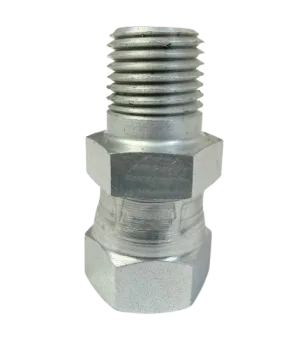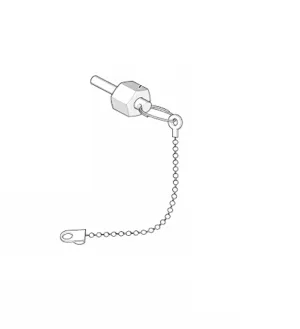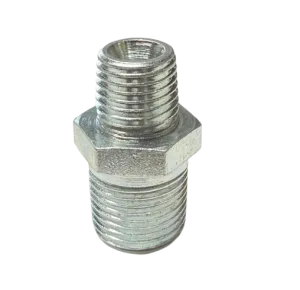
Graco 15C335 Control Knob
The Graco 15C335 Control Knob provides precise manual adjustment for Graco machines, restoring full operator control.
- Ergonomic design for comfortable handling
- Durable construction for repeated use
- Direct OEM replacement for accurate fit
- Compatible with Graco metering, proportioning, and dispensing systems
Graco 15C335 Control Knob
The Graco 15C335 Control Knob is a precision‑engineered replacement component designed to provide manual adjustment and control for compatible Graco systems. It offers a secure, ergonomic interface for operators to regulate settings such as fluid flow, pressure, or other machine parameters with reliability and ease of use.
Compatible Machines
- Graco industrial mixing or dispensing equipment requiring a control knob interface
- Graco metering or proportioning systems with manual adjustment features
- Graco repair and service applications where original knob replacement is needed
Key Features
- Ergonomic knob design for comfortable grip and manual control
- Durable construction to withstand repeated use in industrial environments
- Precisely machined mounting interface for accurate fit and smooth operation
- Designed as a direct replacement for factory‑original equipment to maintain system integrity
- Compact form factor to integrate easily into machine panels or assemblies
Benefits
- Restores original control functionality when the existing knob is worn or damaged
- Makes system adjustments quicker and more precise for improved productivity
- Ensures operator confidence with a high‑quality OEM replacement part
- Minimizes downtime and maintenance costs by using a direct‑fit part
Technical Specifications
| Part Number | 15C335 |
|---|---|
| Type | Control Knob |
| Mounting Interface | Factory Graco panel shaft or control shaft type (verify model specifics) |
| Material | Industrial‑grade plastic or metal alloy (as per OEM internal spec) |
| Application | Replacement knob for manual control settings on Graco equipment |
| Dimensions | Standard knob size to fit designated shaft and panel opening (verify with parts diagram) |
| Operational Environment | Indoor industrial environment, standard ambient conditions |
Installation Tips
- Before installation, ensure the machine is powered off and depressurized (if fluid/pressure control is involved).
- Remove the old knob by loosening any set‑screw or retaining clip, as per the machine’s service manual.
- Align the new 15C335 Control Knob with the shaft flat or keyway and push firmly until seated. Secure with the set‑screw or clip.
- After mounting, test the knob’s full range of motion to ensure smooth operation and that it properly controls the intended mechanism.
- Inspect surrounding panel or assembly for any wear, and clean the mounting area if debris or corrosion is present.
Why Use the 15C335 Control Knob?
The 15C335 is the trusted OEM replacement for Graco systems needing manual operator input. When a control knob becomes worn, cracked, or no longer functions properly, using this part restores full control functionality while preserving the original fit and feel. Choosing an authentic Graco replacement ensures compatibility and helps maintain machine reliability and safety.
Frequently Asked Questions
No reviews yet. Be the first to review this product!